4-in-1 Craft Machine: Laser, Blade, Rotary & Screen Printing in One Get a Free Quote
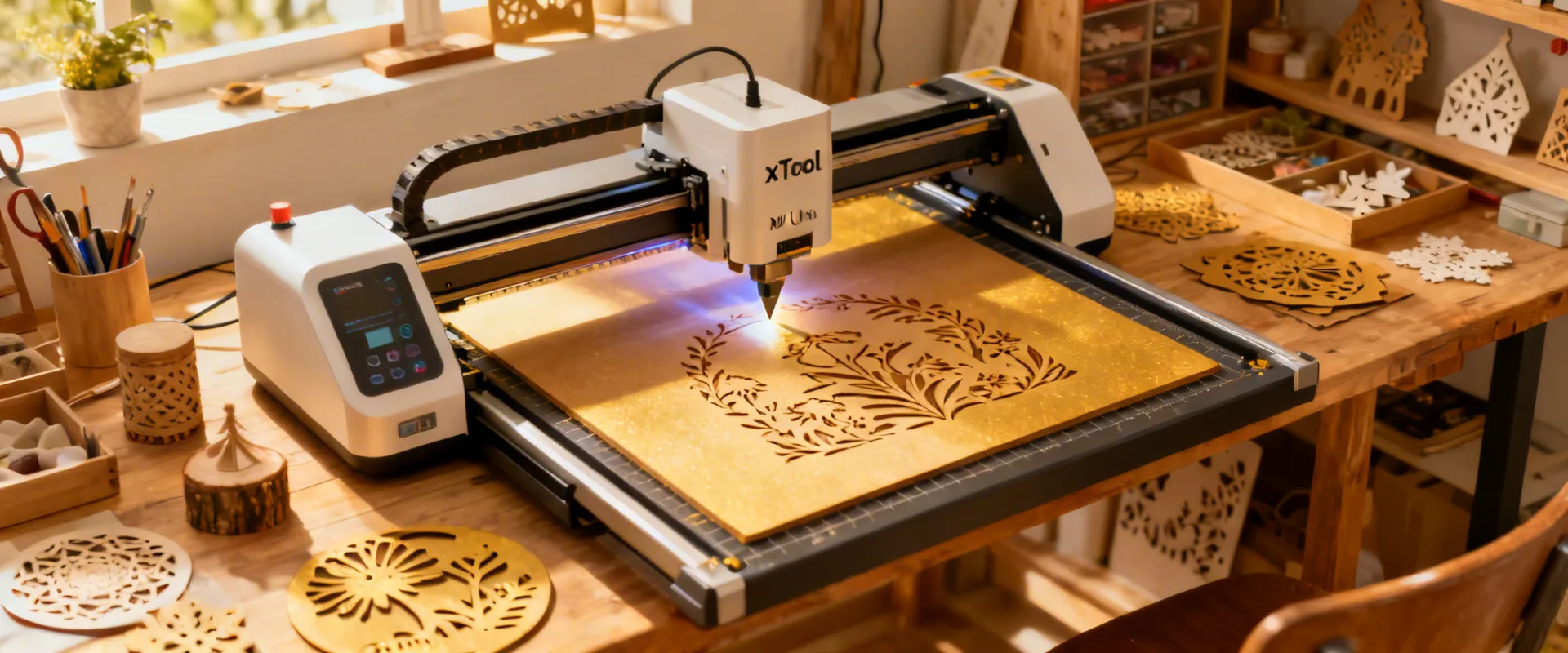
xTool M1 Ultra 4-in-1 Craft Machine in creative workshop

xTool M1 Ultra: Your All-in-One Creative Workshop

Laser engrave, laser cut, blade cut, and screen print — all from a single desktop machine. Whether you're a crafter, maker, or small business owner, the M1 Ultra helps you bring ideas to life without the learning curve.
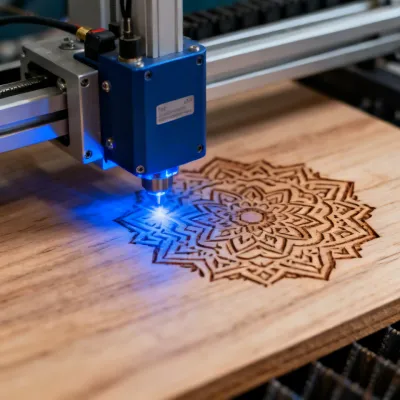
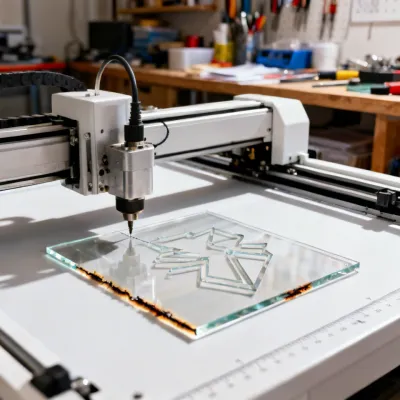
Four Functions, One Machine

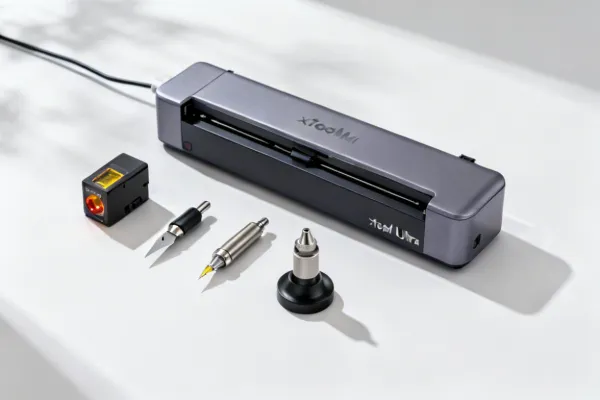
The xTool M1 Ultra packs laser engraving, laser cutting, blade cutting, and screen printing into a single compact unit. Swap between modules in seconds.

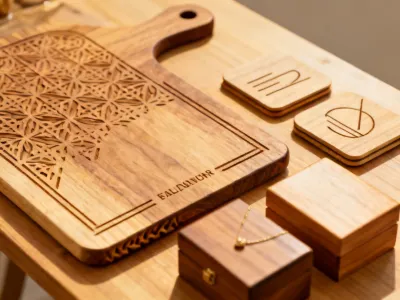
Laser Engraving Module

Laser Engraving

Engrave on 300+ materials including wood, leather, acrylic, glass, and coated metals with 0.01mm resolution.

Laser Cutting Module

Laser Cutting

Cut wood up to 10mm, acrylic up to 8mm, and paper, felt, and leather with smooth, burn-free edges.

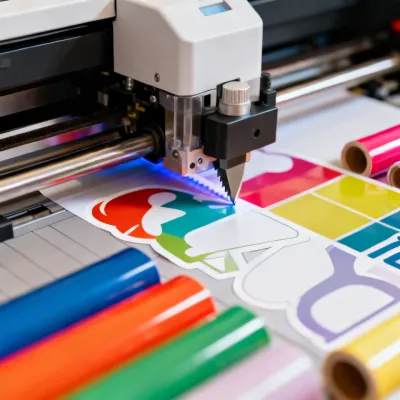
Blade Cutting Module

Blade Cutting

Precision blade cuts on vinyl, cardstock, fabric, and balsa. Adjustable force from 0 to 4N handles delicate and thick materials alike.

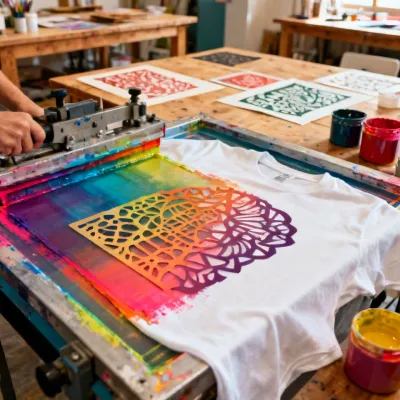
Screen Printing Function

Screen Printing

Create screen-print stencils and print directly. Ideal for custom t-shirts, tote bags, and small-batch merchandise.

48,000+ Machines Worldwide
45+ Countries Served
96.5% Customer Satisfaction
300+ Compatible Materials

What Will You Create?

From personalized gifts to small-batch products, the M1 Ultra adapts to your workflow.

Custom Gifts & Personalization

Custom Gifts

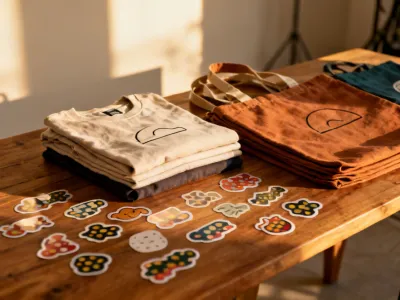
Small Business Merchandise

Small Business

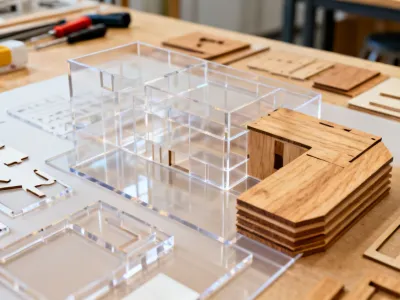
Education & Prototyping

Education & STEM

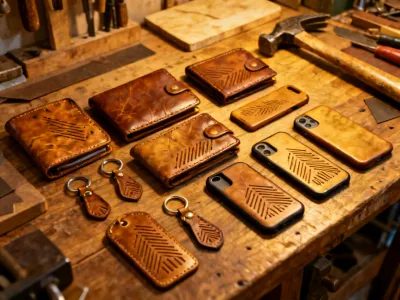
Leather & Fabric Crafts

Leather & Fabric

xTool M1 Ultra with modular tool heads

Why Makers Choose the M1 Ultra

4-in-1 Versatility

Laser, blade, rotary, and screen printing. No need for separate machines cluttering your workshop.

15-Minute Setup

Unbox, install the software, and finish your first project in under 15 minutes. Really.

Class 1 Laser Safety

Fully enclosed design with safety interlocks. CE and FDA registered for peace of mind.

0.01mm Laser Resolution

Fine detail that rivals machines costing three times as much. Engrave photos, intricate patterns, and micro text.

What Our Community Says

Common Questions

Answers to the things makers ask most about the xTool M1 Ultra.

Can the M1 Ultra actually cut acrylic?

Yes. The 10W diode laser module cuts clear and colored acrylic up to 8mm thick. For best results with clear acrylic, we recommend using a dark-colored masking tape on the surface to help the laser absorb energy. A honeycomb panel (included as an accessory) also improves airflow for cleaner edges.

What is the actual working area?

The standard working area is 385mm x 300mm (about 15" x 12") for laser operations. With the blade cutting module, you get the same area. If you need larger projects, the machine supports a conveyor passthrough mode for materials up to 2 meters long.

Can it engrave on metal?

The 10W diode laser can engrave (mark) on coated, anodized, and painted metals. It can also engrave directly on bare stainless steel at slower speeds. For deep metal engraving or cutting, you would need a higher-powered fiber laser, which is a different product category.

How safe is it? I have kids at home.

The M1 Ultra is a Class 1 laser product with a fully enclosed design. The lid has safety interlocks that stop the laser immediately if opened during operation. It also includes a built-in smoke filter. That said, we recommend adult supervision for users under 16 and proper ventilation through the included exhaust port.

What software does it use?

xTool Creative Space is a free desktop application (Windows and Mac) that controls all four functions. It supports SVG, PNG, JPG, DXF, and AI file formats. The software includes built-in material presets, one-click batch processing, and a project library with hundreds of free designs.

How long does the laser module last?

The diode laser module is rated for approximately 10,000 hours of active use at full power. In a typical small-business scenario running 4-6 hours per day, that translates to roughly 4-7 years before needing replacement. The module is user-replaceable and costs a fraction of the original machine price.

Ready to Start Making?

Tell us about your projects and we'll help you figure out the right configuration — no pressure, no jargon. Just honest advice from people who use these machines every day.

  • Free project consultation with our team
  • Material compatibility check before you buy
  • Detailed quote within 24 hours

Get Your Free Quote